
What you can do
Store passwords, credit cards, bank accounts, IDs, and secure notes, then organize them by type, tag, and favorite. On supported devices, you can use biometrics for everyday unlocking.
ZERO-KNOWLEDGE PASSWORD MANAGER
Your keys never leave your hands.
Manage passwords, credit cards, bank accounts, IDs, and secure notes in one safe app. Every encryption and decryption operation happens entirely on your device.
ABOUT SECRET FORT
Secret Fort is a password manager designed to help users safely organize, store, and retain control of passwords and other sensitive personal information. Data is encrypted on the user's device, without requiring an account or data-storage server operated by us.
Store passwords, credit cards, bank accounts, IDs, and secure notes, then organize them by type, tag, and favorite. On supported devices, you can use biometrics for everyday unlocking.
Google Sign-In is used only to obtain your permission to connect to the Google Drive you choose, locate the Secret Fort folder, and read, write, or sync encrypted data. To let multiple devices share the same folder, Secret Fort requests the drive scope, which permits read/write access to the entire My Drive; during normal operation, the app accesses its dedicated Secret Fort folder. Google Sign-In does not create a Secret Fort membership account.
Secret Fort stores vault data containing the passwords, cards, accounts, IDs, and notes you enter, together with public parameters required for decryption. Vault data is encrypted on your device and remains encrypted when stored in Google Drive or another linked cloud service. Your master password itself is never stored.
Secret Fort is for individuals who want to organize important login and personal information in one place while retaining control of it, without entrusting plaintext data or encryption keys to the operator's servers.
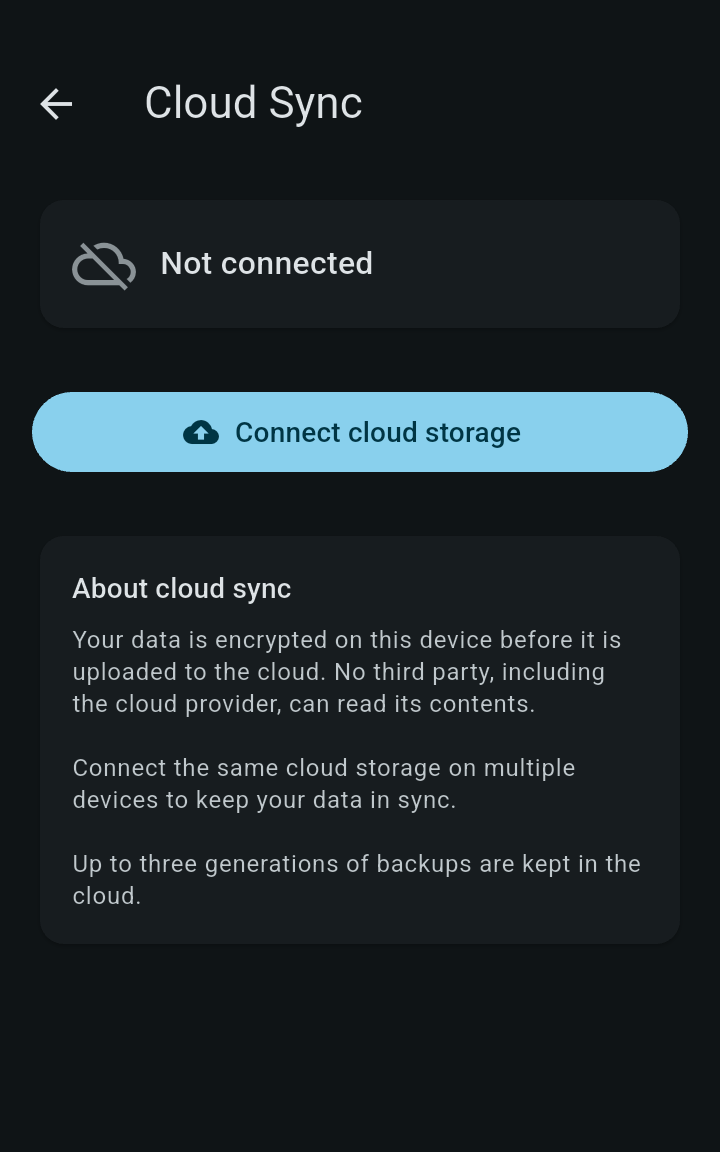
Google Drive, OneDrive, or Dropbox is used only when you choose cloud backup or synchronization across devices. You can also keep your data solely on your device without connecting a cloud service.
FEATURES
We run no data-storage server. Only data encrypted on your device is saved to your choice of Google Drive, OneDrive, or Dropbox.
You only need your master password. It is never stored on your device or in the cloud; the encryption key is derived from your input each time.
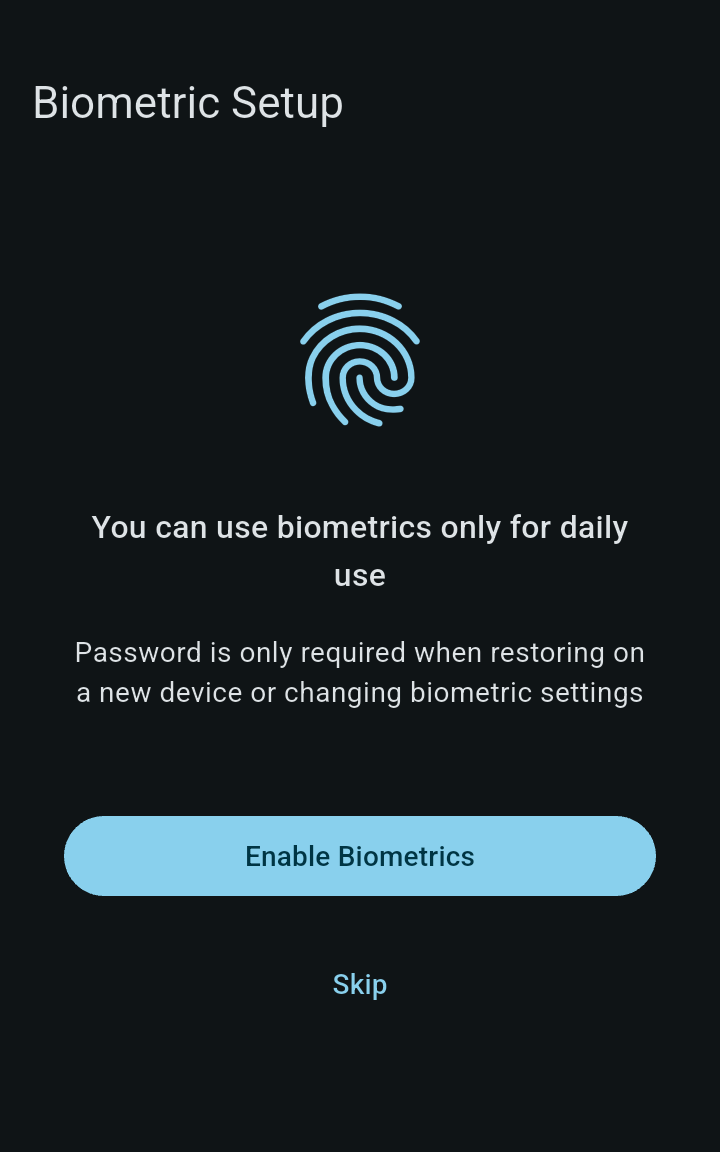
iOS, Android, and macOS use biometrics backed by the OS secure area. On Windows, safety takes priority and you unlock with your master password.
ZERO KNOWLEDGE
Data is encrypted with AES-256-GCM using a randomly generated DEK. The DEK is wrapped by a KEK derived from your master password with Argon2id. The cloud stores only ciphertext, the wrapped DEK, and public parameters required for decryption.
APP TOUR
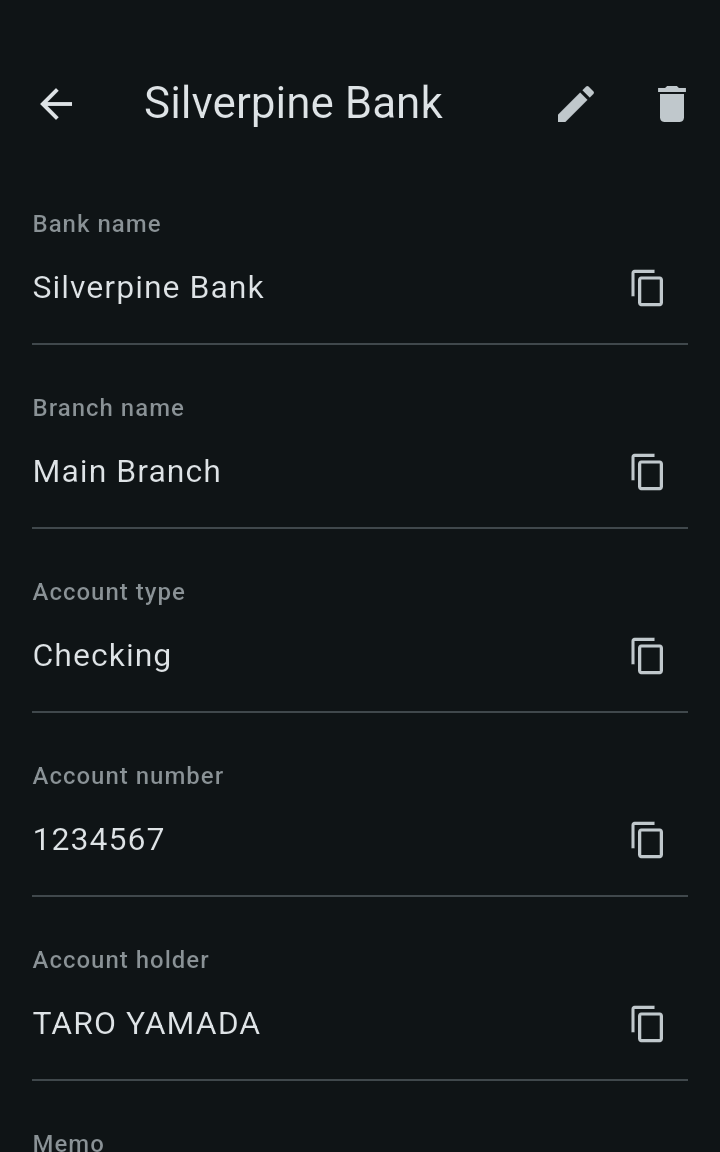
Choose a screen to explore the interface. Screens show demo data from the Android version.
DATA SOVEREIGNTY
With your encrypted container file in the cloud (vault.dat on OneDrive/Dropbox, or a file in the commits folder on Google Drive) and your master password, you can decrypt your data with standard crypto libraries, without Secret Fort. The storage format and procedure are publicly documented.
DOWNLOAD
Versions for iOS, Android, Windows, and macOS are being prepared. Download links will appear here when they are ready.
FAQ
No. Secret Fort is free to use.
Google Drive, OneDrive, and Dropbox. You can also keep data only on your device without connecting a cloud.
Because of the zero-knowledge design, neither the operator nor the developer can reset or recover it. Keep a record in a safe place.
Yes. Connect each device to the same cloud storage. If versions conflict, Secret Fort never overwrites automatically; you choose which version to keep.
Contact us for questions about availability or technical details.
Contact us